Get started with the tutorial here.
This tutorial was created with Unity version 2019.2.
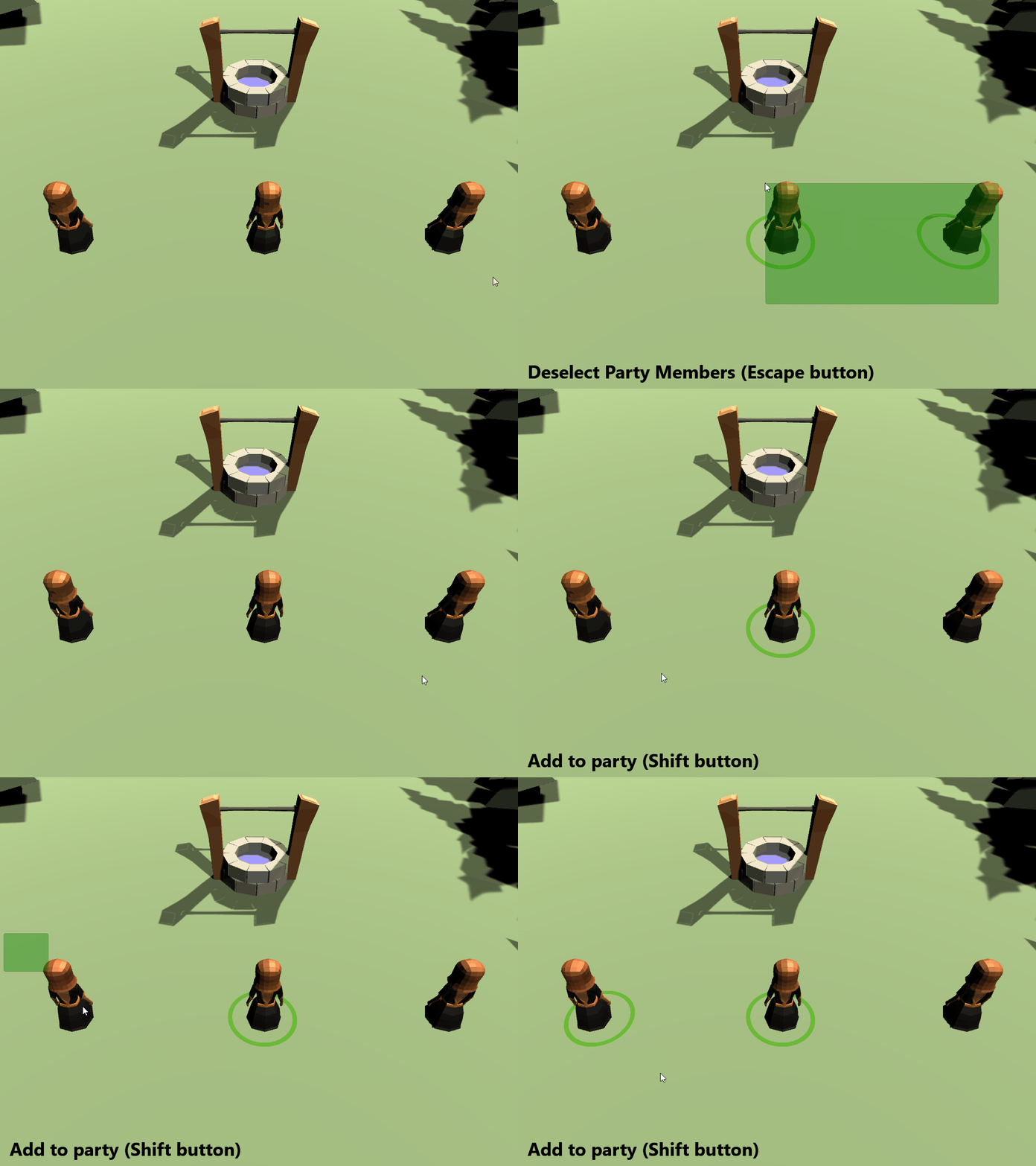
A challenge was issued at the end of the How to select multiple objects based on the center of a collider tutorial to extend the mechanic by adding the ability to add/remove objects from an existing selection and clear the selection with a button click. This tutorial walks through how I chose to solve that challenge.
- Apply knowledge gained from the tutorial series.
This is a continuation of the How to select multiple objects based on the center of a collider tutorial, which is part two of the Input System series. You can skip previous tutorials by cloning the starterProject in the repository.
Note: This tutorial will not cover previous topics in depth (such as how the Input Manager works). It is recommended that you start from the beginning of the series if you are missing any concepts.
- Part 1: How to make a configurable camera with the new Input System
- Part 2: Listen for the Input System Action events via CSharp
- Part 3: How to select multiple objects based on the center of a collider
- Part 4: Challenge Solution: Extending the selection logic
- This project uses the Low Poly: Free Pack by AxeyWorks.